If you have just purchased a laser cutting machine or are learning how to operate one, this article will guide you step by step through the complete operation process. It covers the working principle, operation steps, parameter Settings, common problems, pitfalls avoidance tips, and maintenance norms of the laser cutting machines.
What Is a Laser Cutting Machine and How It Works
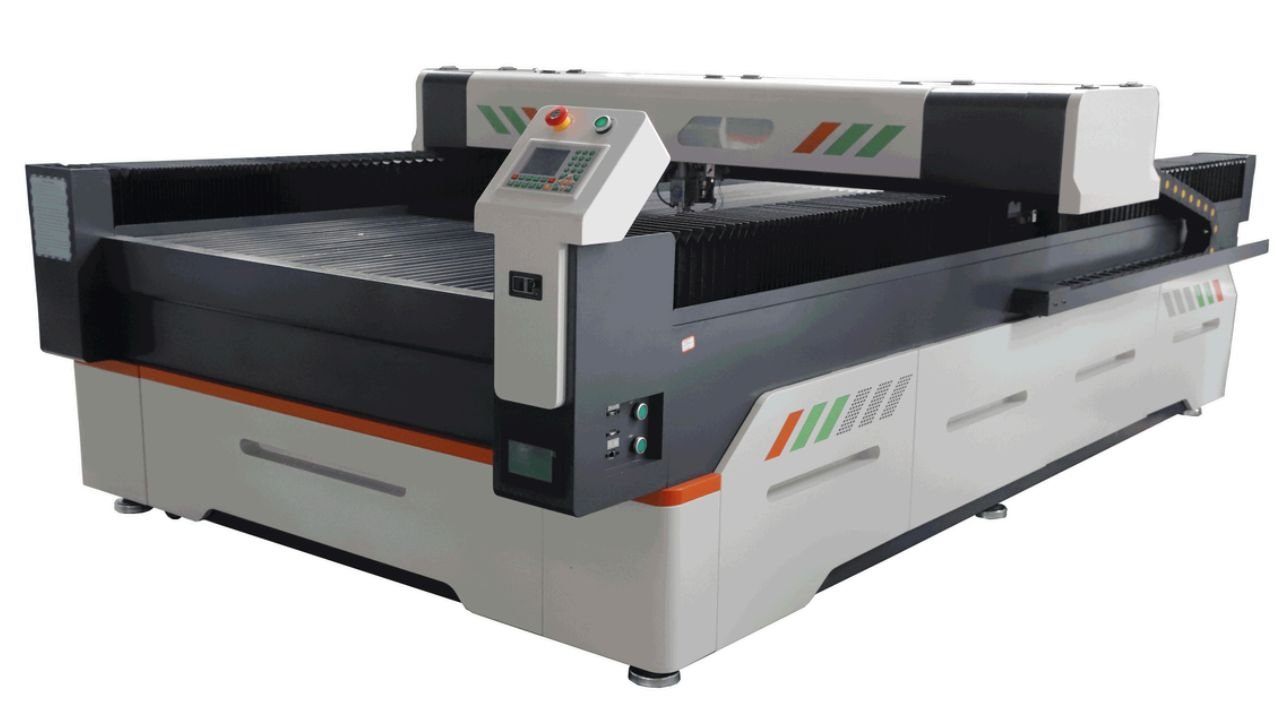
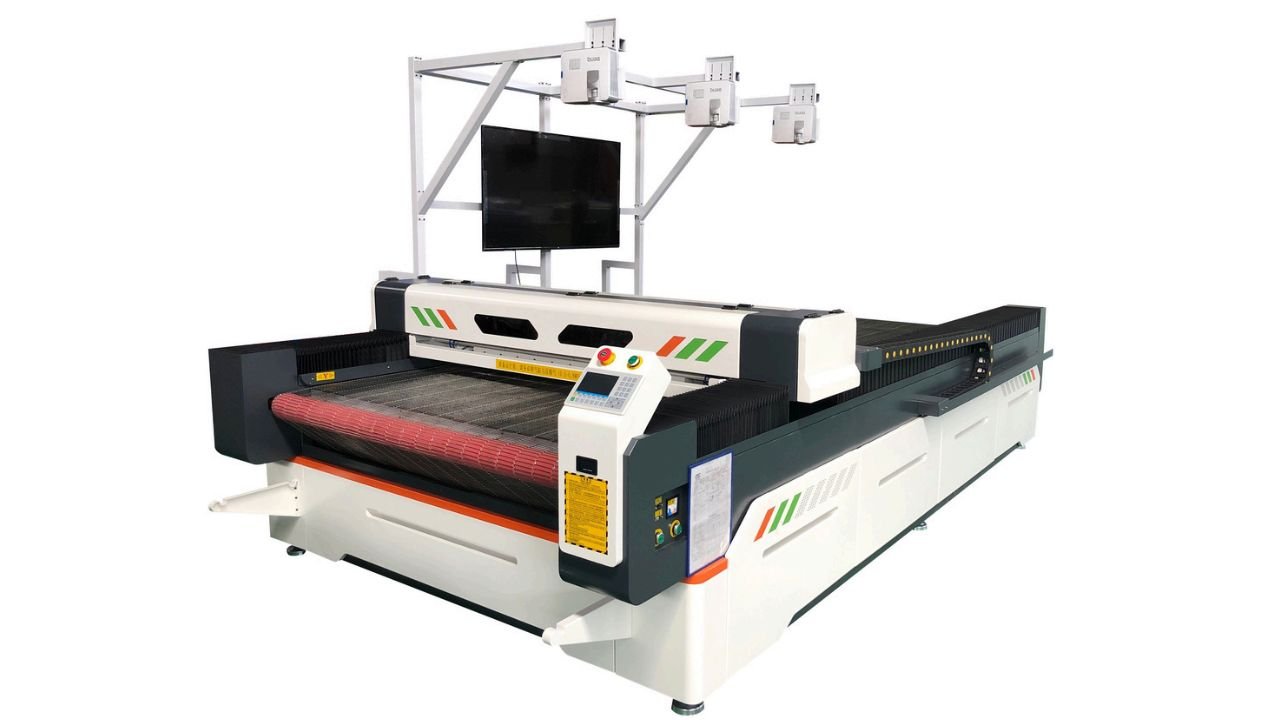
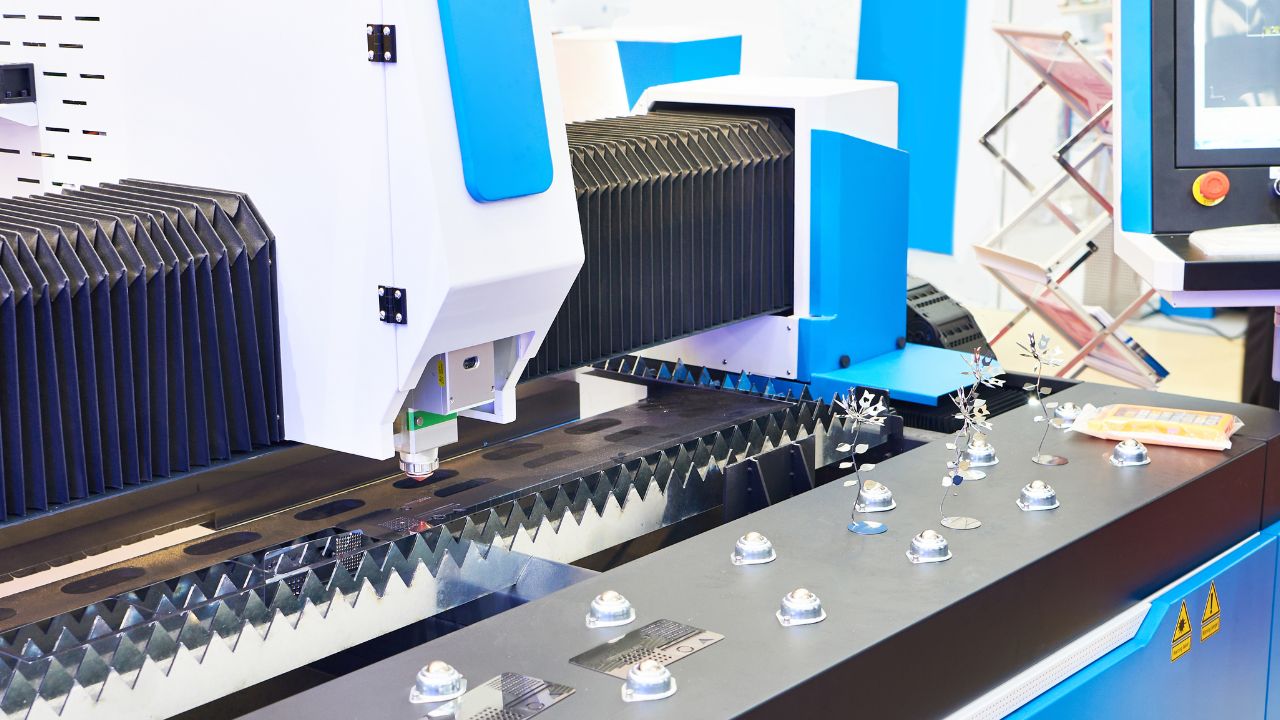
A laser cutting machine is an industrial machine used for high-precision material cutting. It uses a high-power laser beam for cutting metal or non-metal materials with high cutting accuracy. Compared with traditional sawing and stamping processing, laser cutting can achieve non-contact processing and has higher processing accuracy. The cut surface is smoother. It usually does not require secondary processing.
Preparation Before Startup
Before starting the operation, please complete the following preparatory steps to ensure the safe and stable operation of the equipment. This move can protect the equipment and maintain a stable cutting effect.
Before starting the operation, you should complete the following preparation steps. These operations can protect your machine and keep cutting quality consistent.
Check the Machine Power and the Environment
You should check whether all the devices are powered on correctly. The working environment must be kept clean and dry. Flammable and explosive items should not be piled up around it. Ensure smooth ventilation to avoid the buildup of smoke and dust produced during cutting.
Select the Right Material
Please confirm that the materials you need to process today match the model of the equipment. At the same time, check that the surface of the material is free of oil stains, rust, deformation, or warping. In addition, it is strictly prohibited to cut chlorine-containing materials such as PVC. It will produce toxic gases and corrode the lenses of equipment.
Upload Design Files
You can use CAD, AI design software, or other design software to create cutting drawings. And save them in the common formats of DXF, AI, and CAD supported by the equipment. You should check your design file carefully and remove duplicate lines or unnecessary paths. It helps prevent wasted material and unstable cutting results in mass production.
Safety Protection Procedures
Before starting the machine, please make sure that all protective devices have been installed in the correct positions. You should turn on the ventilation and dust removal system in advance and check whether the safety protection devices and emergency stop buttons are operating normally. Never operate the machine without protective covers; safety problems may occur.
Key Parameters
Cutting quality is directly affected by parameter settings. Correct parameters help you achieve stable cutting results.
- Laser power (W): Thicker metal materials require higher laser power, while thin sheets can be cut with lower power settings.
- Cutting speed: If the cutting speed is too high, the material may not be fully cut through, and the cut lines may become misaligned. Too slow a speed will cause the material to overheat, the cut to turn black, and the deformation to be severe.
- Material thickness: You need to adjust the parameters according to the thickness of the material. For example, under the same power, the cutting speed and auxiliary air pressure of 3mm stainless steel and 10mm stainless steel are completely different. So they cannot use the same parameter settings.
- Gas type (oxygen/nitrogen/air): The auxiliary gas is mainly used to blow away slag, reduce heat, and avoid oxidation.
- Focus distance: The focal point is too high, the cut is wide, and the cross-section is rough. The focal point is relatively low, which makes it easy to burn the edges and accumulate slag.
Step-by-Step Guide to Operating a Laser Cutting Machine
The following set is the standardized operation process widely used in factories. From starting up to picking up the parts, there is no mistake at all. You can simply follow the operation and stably complete the cutting operation.
Step 1: Start the Machine
The following is the correct startup sequence:
- Turn on the main power supply first.
- Start the voltage stabilizing equipment.
- Start the water-cooling unit and exhaust system.
- Turn on the power of the equipment control cabinet.
- Start the numerical control system.
Once the machine is powered on, wait for it to complete the automatic self-check. Make sure there are no abnormalities in the coordinate axes, sensors, or optical paths, and no error messages appear before proceeding to the next step.
Step 2: Place and Secure the Material
Place the prepared material flat in the center of the workbench, ensuring full contact with the tabletop and with no lifted edges or gaps. For small or thin sheet materials, use fixtures to secure them firmly.
This prevents the material from moving during cutting and avoids scrapping the whole batch of parts due to dimensional deviation.
Step 3: Import Cutting Files into the Software
Launch the cutting software, then import DXF, CAD, or AI files and adjust the drawing position and layout. For mass production, a proper layout helps reduce material waste and improve production efficiency.
Step 4: Set Laser Parameters
This step has a direct impact on cutting quality. Do not blindly apply parameters. You should adjust laser power, speed, and frequency according to material type and thickness. For beginners:
- For thick materials, increase power and reduce cutting speed.
- For thin materials, decrease the power and increase the speed to avoid problems such as burning edges and incomplete cutting.
Our machines include pre-tested parameter libraries that help you achieve stable cutting results faster.
Step 5: Adjust the Laser Head Focus
Incorrect focusing is a common beginner mistake and can directly affect cutting quality. Each time the material is changed or the cutting head is changed, the focus must be refocused. You need to ensure that the laser focus precisely falls on the material surface and that the beam concentration meets the standard. Only in this way can the cutting effect be smooth and fine.
Step 6: Run Test Cutting
Before formal mass production, a trial cut is recommended. Do a small test cut first to check cutting quality and fine-tune parameters if needed. If settings are not correct, make adjustments in time. Once everything is verified, proceed with batch production, which helps minimize losses caused by batch scrap.
Step 7: Start Production Cutting
After the trial cutting meets the standards, close the protective door of the equipment and click on the software to start running the program. During the cutting process, do not stay away from the equipment. Observe the cutting status, flame shape, and equipment operation in real time. If any abnormality is encountered, press the emergency stop button immediately. The operation can be restarted only after the fault has been eliminated.
Step 8: Collect Finished Parts
After the cutting is completed, you need to wait for the laser head to return to its initial position. When the equipment has completely stopped running, open the protective door to take out the workpiece. You need to sort and arrange finished products and waste materials, clean up the residue and dust on the workbench on time to keep the surface clean and tidy, and get ready for the next batch of processing.
Typical Operating Mistakes in Laser Cutting
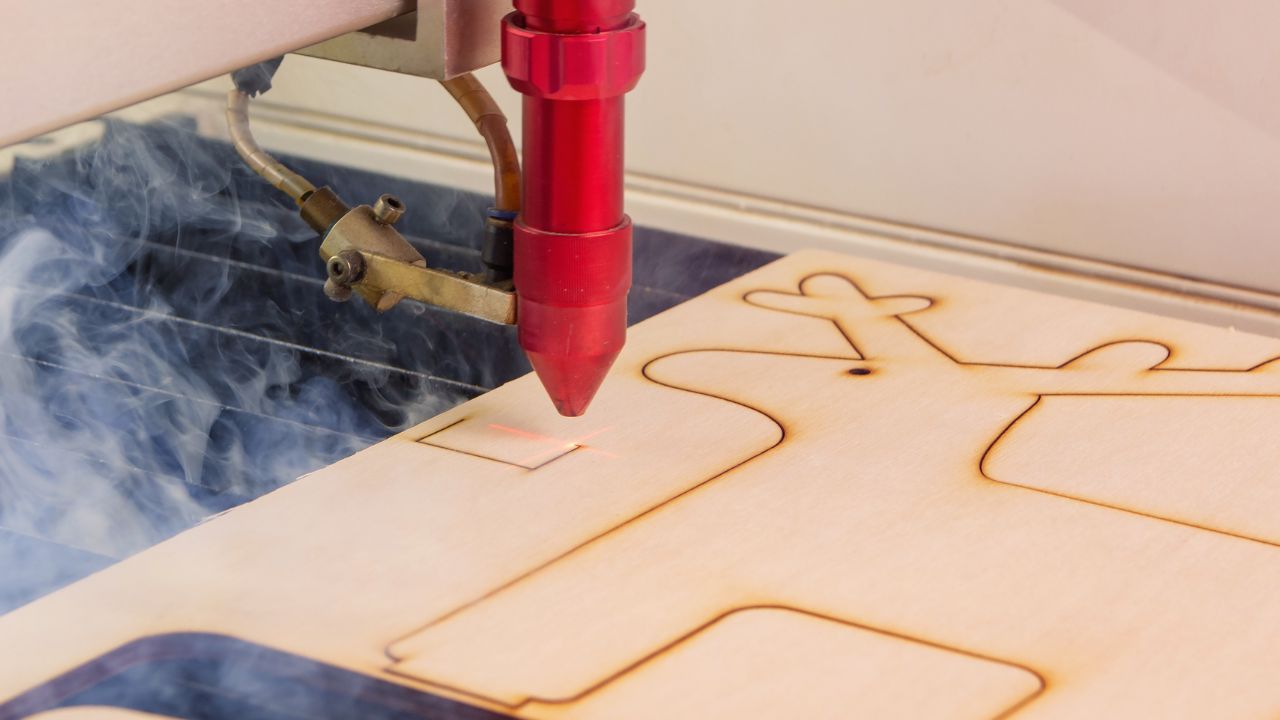
- Wrong parameter settings: Relying on default or copied settings without adjustment often leads to poor cutting results, such as burrs or incomplete cuts.
- Incorrect focus adjustment: They were lazy and did not refocus. After changing the material, they cut directly, which resulted in low cutting accuracy of the finished product and a sharp rise in defects.
- Poor material selection: Fiber optic machines are used to cut non-metals, CO₂ machines are used to cut thick metals. If the oil stains and rust on the surface of the material are not cleaned thoroughly, it will affect the cutting effect.
- Ignoring maintenance: If the lens is not cleaned, the guide rail is not lubricated, and dust is not removed for a long time, the cutting accuracy of the equipment may gradually decline. It also shortens the service life of the whole equipment. Besides, the machine will trigger frequent error alarms and unexpected shutdowns.
- Safety mistakes: Leaving the protective door open when starting the machine, not wearing protective glasses, and leaving the post during operation create serious safety risks.
Safety Guidelines
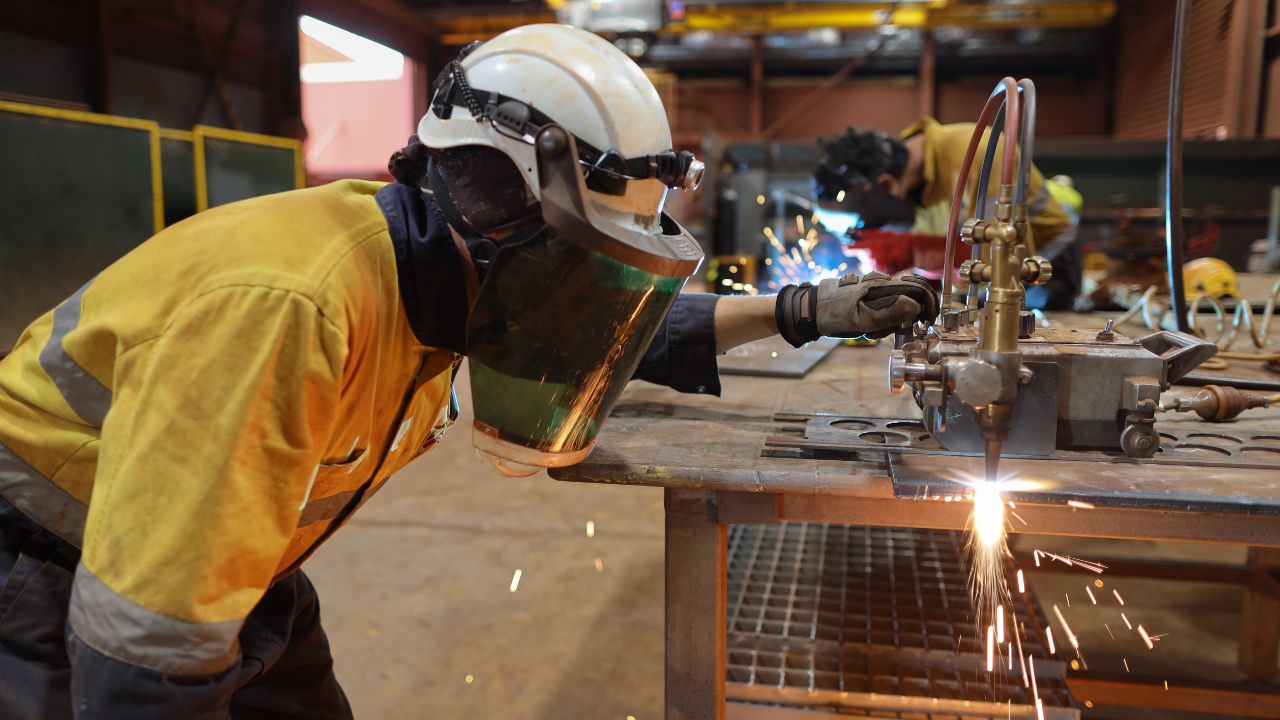
- Protect eyes: During the operation, you should wear laser protective glasses to prevent eye damage caused by laser exposure or sparks.
- Ventilation system usage: During the cutting process, dust, smoke, and trace amounts of harmful gases will be produced. The exhaust and dust removal equipment must be kept on during operation to maintain good air circulation in the workshop.
- Fire risk prevention: Flammable and explosive items are strictly prohibited from being piled up in the operation area. When cutting flammable materials like wood and plastic, the entire process should be on duty. And prepare fire extinguishing equipment to eliminate fire hazards.
- Machine enclosure rules: Never operate the machine with protective covers open or safety devices removed.
FAQ
What Should Be Done for the Daily Cleaning of a Laser Cutting Machine? What’s Its Function?
At the end of each day’s work, clean the dust, slag, and waste materials inside the workbench, machine body, and pipelines. Keeping the equipment clean can prevent dirt buildup from causing jamming and optical path blockage. It can reduce equipment failures and keep the machine running stably.
How Should the Lenses of Laser Equipment Be Properly Maintained and Cared For?
Focusing lenses and protective lenses are key precision components that directly affect the cutting accuracy. It should be gently wiped with special lint-free paper and anhydrous alcohol to avoid dust blocking the light path. Do not touch the lenses with your bare hands to prevent grease residue from causing damage to the lenses and deteriorating the cutting effect.
What Is the Significance of Lubricating Guide Rails and Racks? Is Regular Maintenance Required?
Regular lubrication is required. Timely application of special lubricating oil to the guide rails and transmission racks helps keep the equipment running smoothly. It can prevent positional offset and dimensional deviation of the workpiece. This will stabilize the cutting accuracy, reduce wear, and extend the service life of the equipment.
Should You Update the Laser Cutting Control System Regularly?
It is recommended to update regularly. Upgrading the numerical control software and system firmware can fix security vulnerabilities, enhance system stability and compatibility, and be compatible with mainstream drawing formats such as DXF, AI, and CAD. This can prevent the problem of abnormal operation of the equipment.
Do Operators Need Training Before Using a Laser Cutting Machine?
Yes. Training is recommended before operating a laser cutting machine. Although the machine is easy to operate, training can help ensure stable cutting results, reduce scrap rate, and avoid unnecessary safety risks.
What Materials Can Be Cut?
Fiber optic machines are designed to cut a wide range of metals (carbon steel, stainless steel, aluminum plates, copper plates, galvanized plates, etc.). The CO₂ machine specializes in non-metallic materials (such as acrylic, wood, leather, fabric, plastic, paper, etc.). The responsibilities of the two are clearly defined, and the equipment structures are not interchangeable.
How Long Does It Take to Learn?
Basic startup and simple drawing cutting can be independently operated within 1-2 days. After you have mastered the skills related to parameter debugging, complex workpiece processing, and troubleshooting proficiently. It will take you about a week to be competent for the regular production work in the factory.
Is Laser Cutting Safe for Beginners?
As long as safety regulations are followed and comprehensive protective measures are taken, the equipment can remain highly safe. All standard machines have multiple built-in safety features, such as protective doors, emergency stop switches, and exhaust systems.
Do You Provide Training and Installation Support?
We offer full installation and professional operation training for all our laser cutting machines. Our technicians will complete on-site machine assembly, wiring, and perform debugging after delivery. Online remote guidance is also available for follow-up technical support anytime.
Final Thoughts
Laser cutting machines are precision equipment, but easy to operate with proper training. As long as you master the basic principles and standard operating procedures, you can start operating the machine quickly. If you have any questions, please feel free to contact us at any time. We have professional staff to guide you.